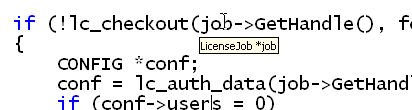
Here's a quick tip about tips. The default font for data tips, editor tips, and so on is really tiny (8 point):
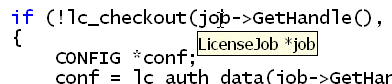
Especially if you're presenting, you'll want to make it larger:
How's it done? The same Fonts and Colors dialog you use for your regular font setting, but use the dropdown at the top of the dialog:
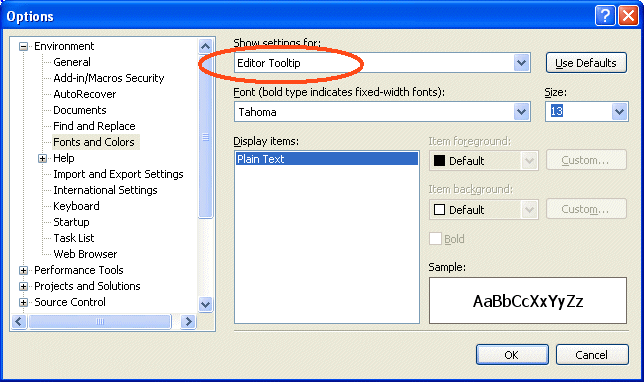
You can also change Data Tips, the font in the output window and find results window, and plenty more. Experiment a bit!
Kate